Cancel what you no longer use.
Follow the cancellation steps for the service, with a ready-to-send notice where available. Guided cancellation is free.
See cancellation guidanceFind recurring charges in your bank statement. Separate business from personal subscriptions and export a CSV for your accountant.
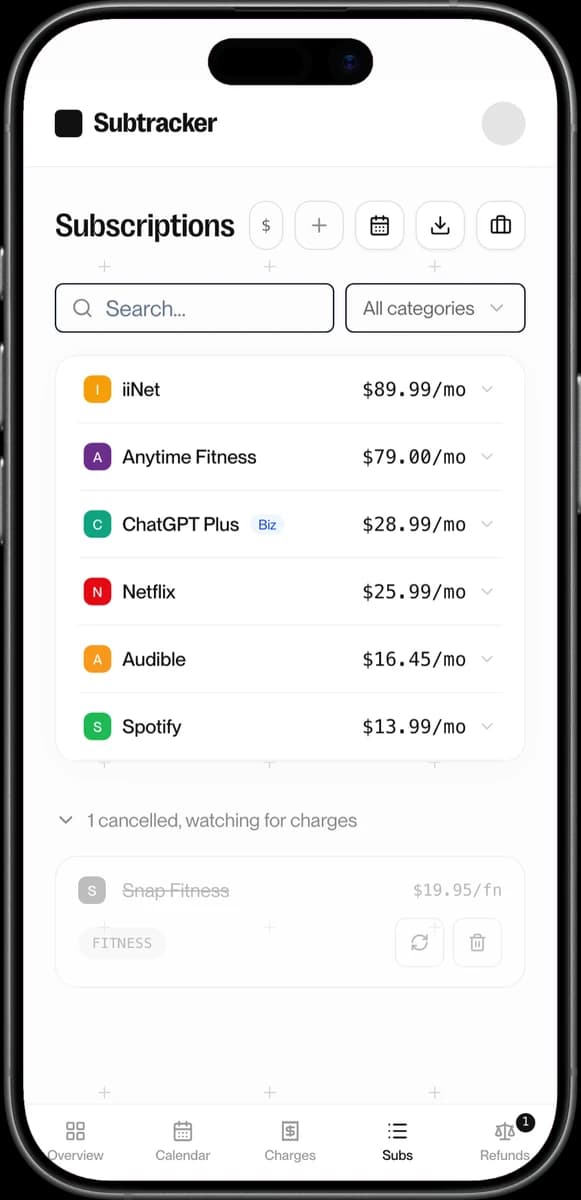
Review subscriptions, organise spending and export your list. Sample data.
Use a statement from your business account. No bank login required.
Review the subscriptions found and tag them as business or personal.
Download a CSV of your subscriptions for your records.
Keep business and personal subscriptions in the same tracker. Tag each one so your records are easier to organise.
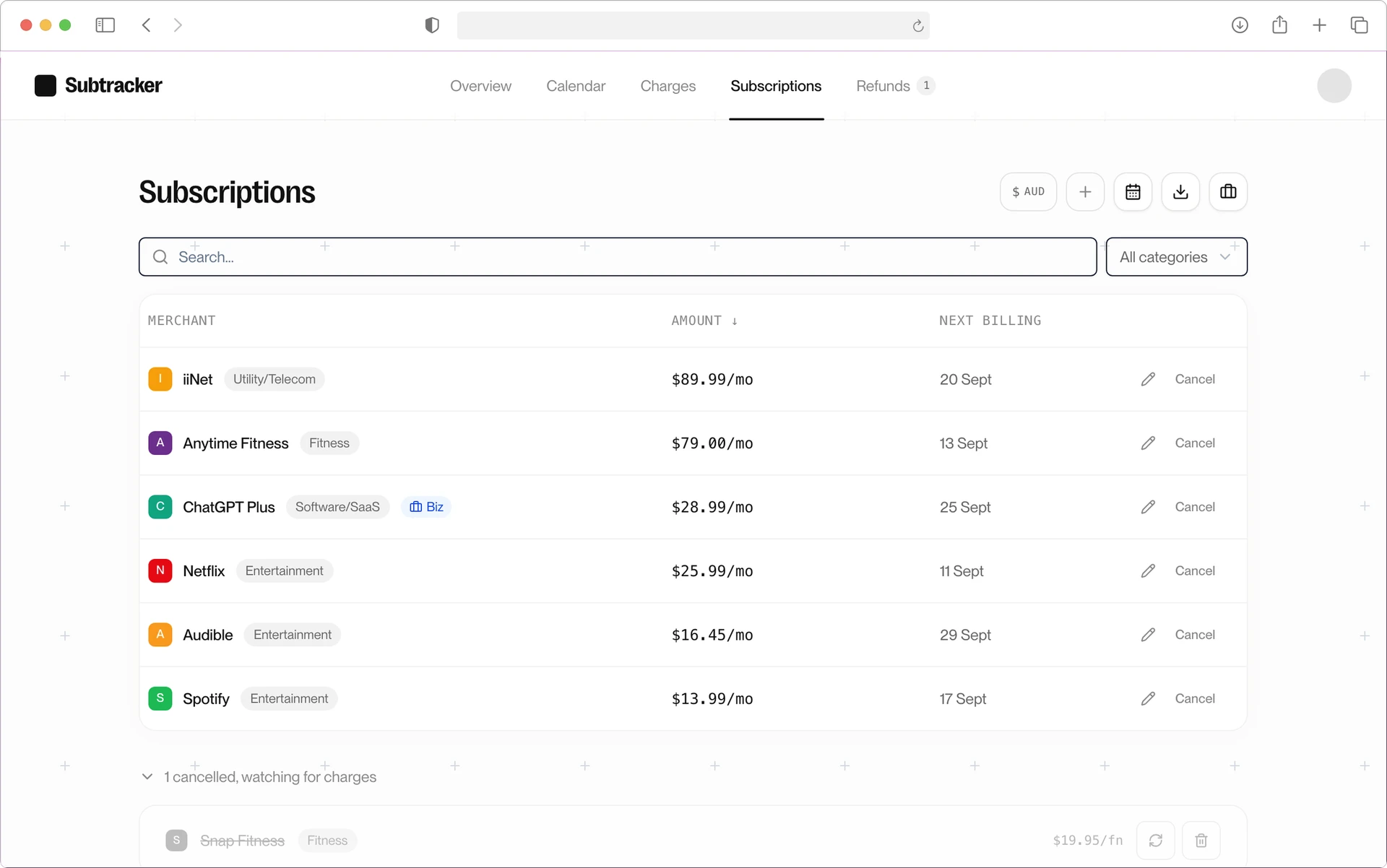
Follow the cancellation steps for the service, with a ready-to-send notice where available. Guided cancellation is free.
See cancellation guidanceCharged after cancelling or billed twice? Start a refund case. We contact the merchant on your behalf and follow up. We don't give legal advice or guarantee an outcome.
See refund case feesTrack it yourself, chase a wrong charge, or let us handle the cleanup. All prices in AUD.
Looking for a subscription app that billed you $29.99 or $149.99? That's a different company.
See your subscriptions clearly and stay on top of renewals.
The median paid user has 15 subscriptions and $2,785 a year still running. Your free scan shows 3.
Your free scan shows your first three finds.
Your statement file is deleted as soon as the scan finishes. The results are held for up to 24 hours so you can come back to them, then deleted; only the subscriptions you approve are kept.
Get help chasing charges that should have stopped.
Your first case is included with the $29 tracker.
Tick the subscriptions you want gone. We cancel the ones a company lets us cancel and send you exact steps for the rest.
One bundle per account. Only you can cancel a subscription billed through Apple or Google Play, or one that sends you a verification code.